Kinvara / Buyer Portal
The Buyer Portal is the modern go-home folder: a private, branded web page for each family and their puppy — photos and weigh-ins, health records, the family tree, their agreement to sign, and a place to pay — all behind one link. No app to install, no logins to manage.
Between deposit day and go-home day, every family wants the same things: new pictures, how much she weighs now, the shot records, when do we pick her up, how do we pay the rest. Without a portal, each of those is a text, an email, an attachment hunted down one more time.
With the portal, it's a page. You post the update once — the photo, the weigh-in, the health record — and every family sees their own puppy's version of it, framed by your kennel's name, logo, and colors. There's even a “going home in N days” countdown at the top.
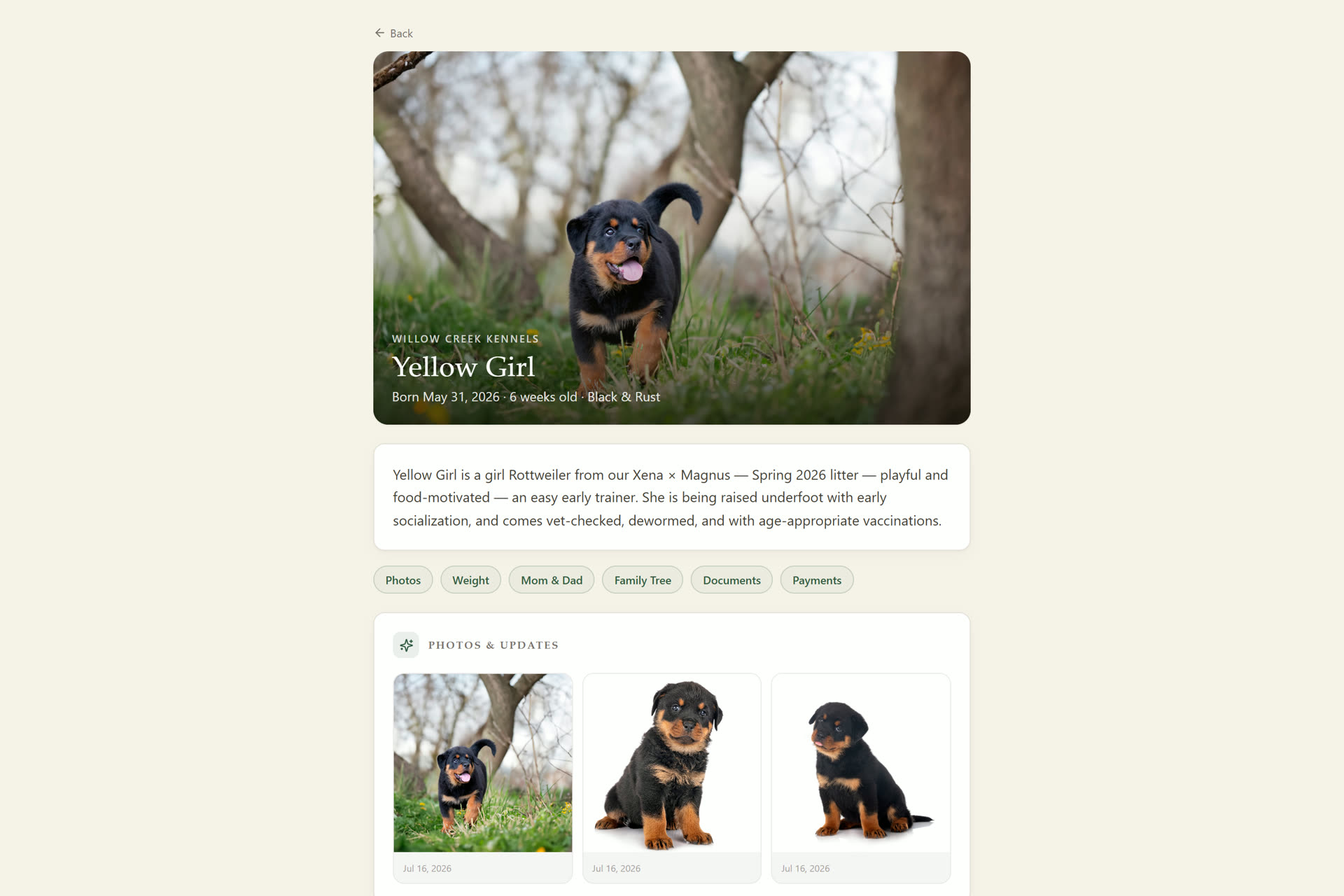
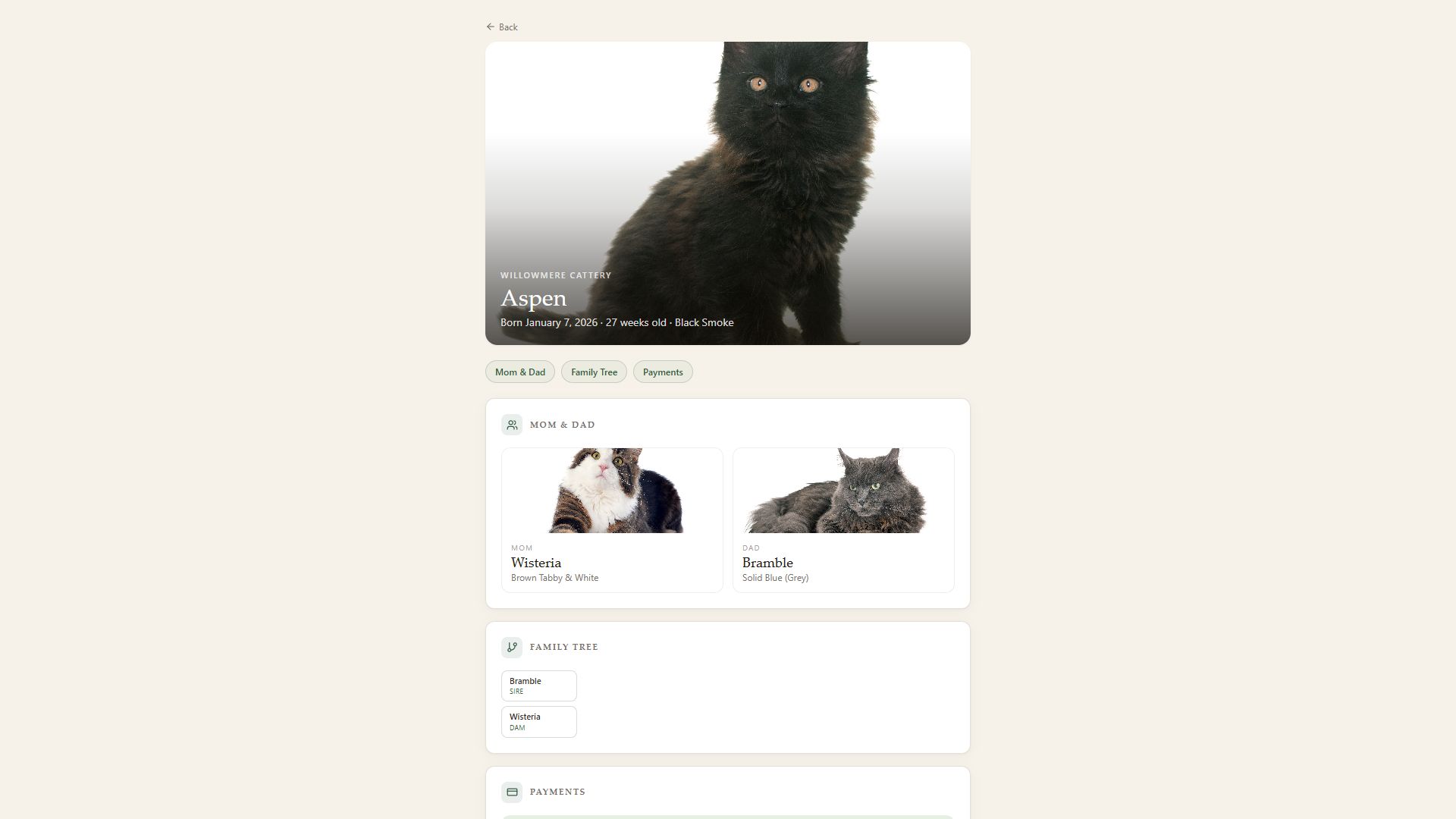
The portal shows exactly as much as you want it to. Turn each section on or off — for some programs that's everything; for others it's just photos and payments. Either way, it's your call, and your branding.
And yes — it speaks cattery just as fluently as it speaks kennel. Kitten families get the same page, in cat-native language.
The portal is where the business half of a placement quietly takes care of itself. The family opens their agreement, reviews it, and signs electronically; you countersign from your Contracts page, and both copies are stored with the signing details.
Their balance sits right beside it. With your own Square account connected, families pay by card and the invoice marks itself paid when the money arrives — or they use whichever of your methods you've turned on: Venmo, PayPal, Cash App, Zelle. The money lands directly with you. Kinvara never holds your funds.
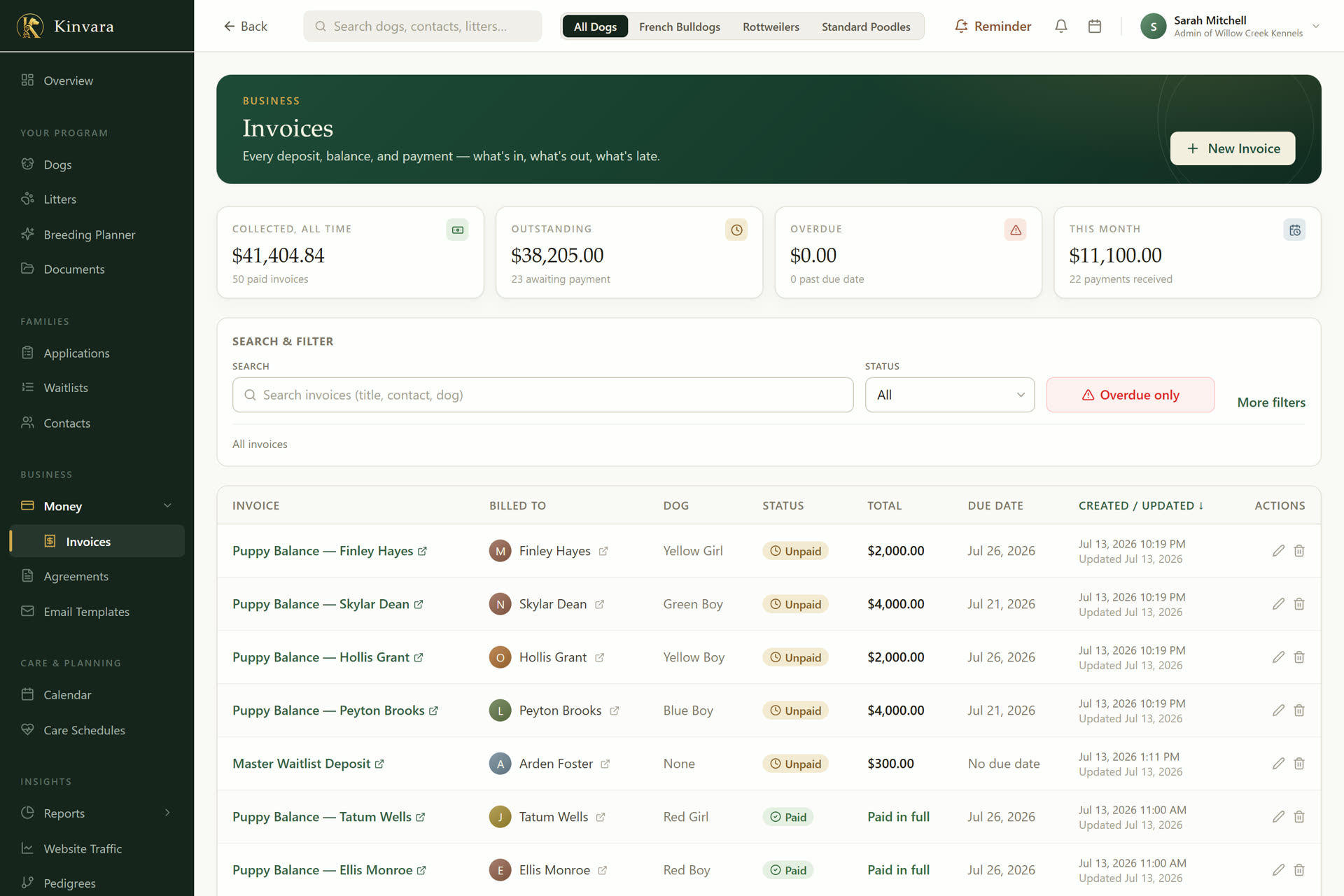
Open the family's contact record (or their puppy's page) and click Invite & email. Kinvara sends them a private link — that's the whole setup. You can send a fresh link or remove access any time, and the portal quietly reflects everything you already record: post a photo or a weigh-in once, and their page is current.
No. Each family gets a private link that opens in any browser, on any phone or computer. No app store, no passwords to forget — the link is their key.
Yes — every section is a switch. Photos and updates, the weight tracker, videos, temperament results, health records, the parents, the family tree, documents, payments, and pickup details can each be shown or hidden — and the portal carries your kennel's name, logo, and colors.
Their balance is right on the page. With your own Square account connected they can pay by card, and the invoice marks itself paid — or they can use the methods you choose to accept: Venmo, PayPal, Cash App, Zelle. The money always lands directly with you; Kinvara never holds your funds.
Fully. Kitten families get the same private page, with cat-native language throughout — see Kinvara for catteries.
Try Kinvara free for 30 days — no credit card, nothing to cancel. Set up your portal, invite one family, and watch the questions answer themselves.
Founding breeder rate: the first ten programs lock in $29/mo for life — or $290/yr, two months free.